Troubleshooting Google Meet Meeting
While in a Google Meet meeting, you can now get troubleshooting tips and help directly from the meeting.
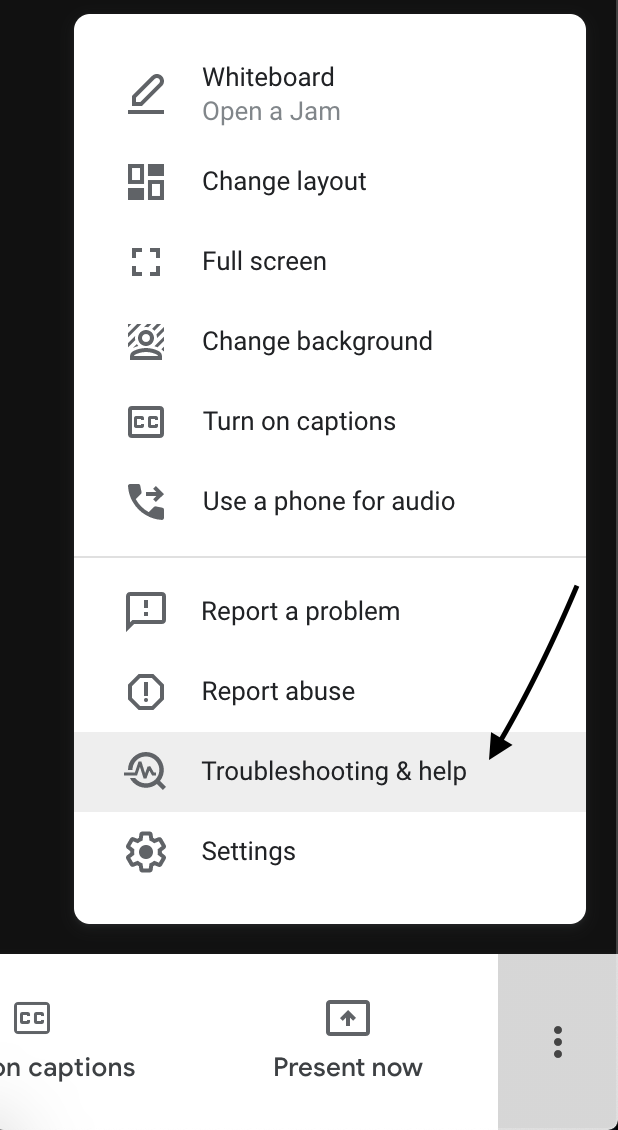
Start out by going to the 3 Vertical dots in the bottom right corner of your screen and select Troubleshooting & Help
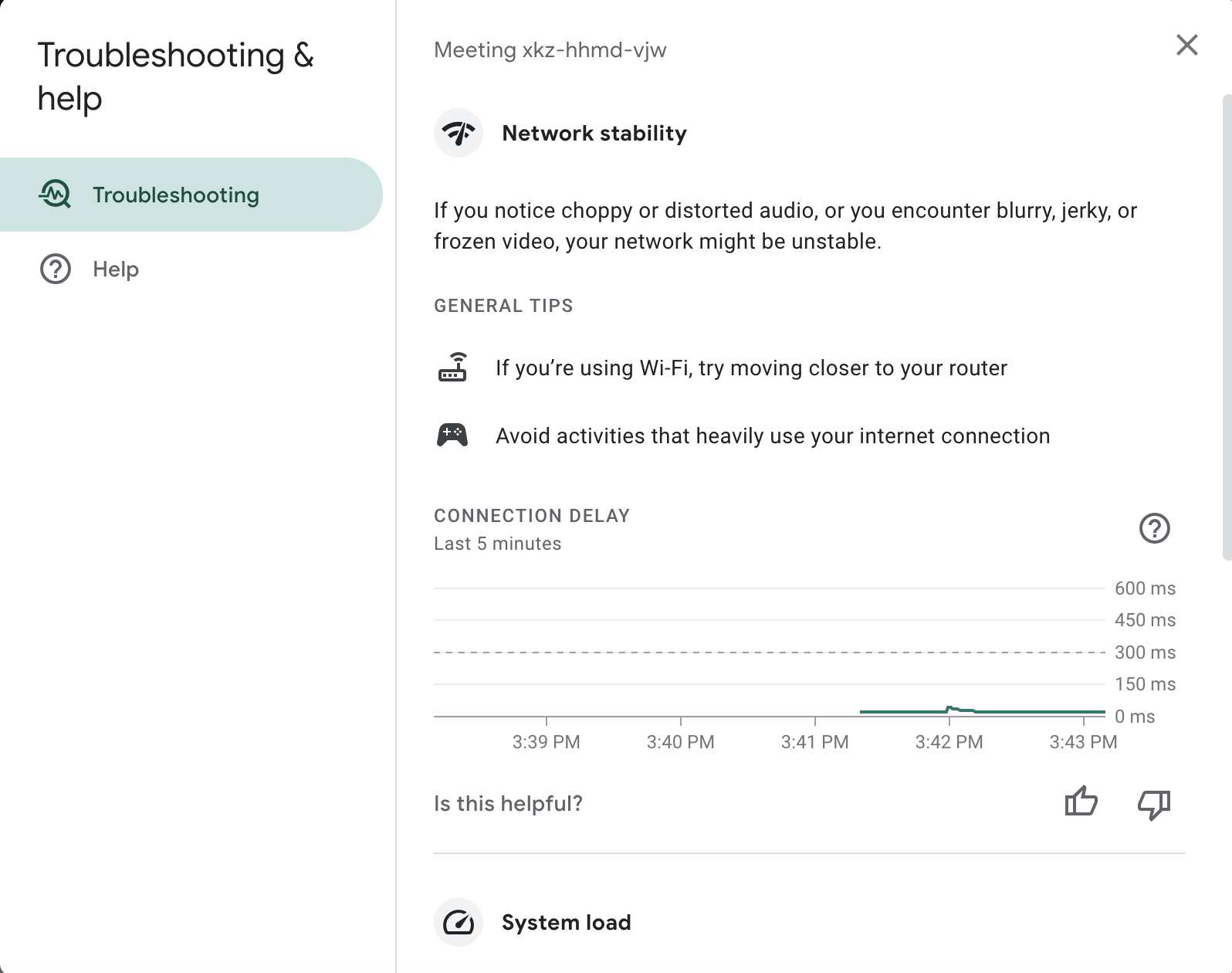
Once on the below screen, you will find helpful tips and be able to see in real time any latency that may be occurring during the meeting.